How to Use AI Image Generation for Blogs: Step-by-Step Guide
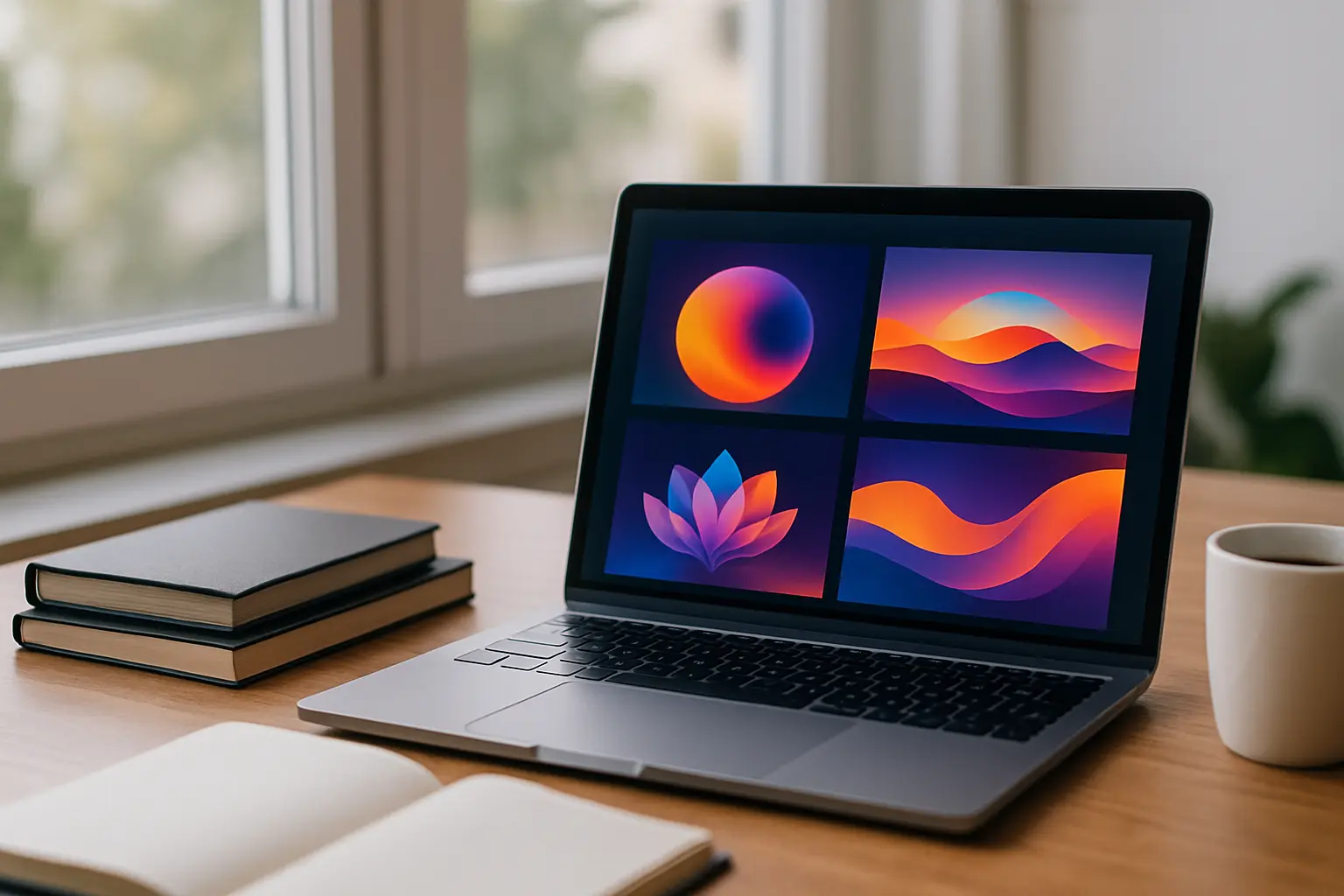
AI image generation for blogs can transform the way you create, optimize, and publish visual content. By using the right tools and strategies, you can produce unique images that boost SEO performance and engage your readers more effectively.
In this article:
- Key takeaways
- What You Need to Start with AI Images for Blog Posts
- Step 1: Define the Purpose and Style of Your Blog Visuals
- Step 2: Generate Unique AI Images for SEO-Optimized Content
- Step 3: Automate Image Integration and Publishing on Your Blog
- Frequently Asked Questions
- Conclusion
This guide will show you how to define the purpose and style of your blog visuals, generate original AI images tailored to your content, and automate the entire process—including seamless integration and publishing on your website. With platforms like Inowara, which automate SEO content and image creation based on your site’s data and schedule, you can achieve measurable, organic growth without manual effort.
Key takeaways
- AI image generation for blogs saves time and boosts content originality.
- Unique visuals help improve SEO by reducing duplicate image issues.
- Automated platforms like Inowara connect image generation, content creation, and publishing in one workflow.
- Defining a clear visual style and automating integration are key for scalable blog visuals.
What You Need to Start with AI Images for Blog Posts
To start leveraging AI image generation for blogs, set up the right foundation. Having the correct tools and connections is crucial for seamless integration of AI visuals into your content workflow. Follow these steps:
- Choose an AI image generation platform.
- Create an account on a reputable AI image tool (such as Midjourney, DALL-E, or Stable Diffusion). Select a platform that supports commercial use, high-resolution exports, and style customization.
- Check that the platform provides API access if you plan to automate image workflows or connect with other tools.
- Connect your CMS or website back end.
- For WordPress, Webflow, Ghost, or similar platforms, ensure you have admin access or API credentials to automate image uploads and publishing.
- Review available plugins or integration settings for media automation on your CMS.
- If your platform is custom-built or not natively supported, consider a service like Inowara's Custom Integration to enable direct automation for AI visuals.
- Integrate an automation platform like Inowara.
- Sign up or connect your website to Inowara.
- Let Inowara analyze your website, services, and existing pages to plan content, generate SEO-optimized articles, and create matching AI images.
- Adjust scheduling, set approval workflows, and review generated content and visuals before publishing.
By following these steps, you equip your team with everything needed to automate blog visuals. With platforms like Inowara, the process from content planning to AI image creation and blog visuals automation becomes unified—removing manual bottlenecks and ensuring your content with AI images is always fresh, SEO-optimized, and ready for publication.
Step 1: Define the Purpose and Style of Your Blog Visuals
Start by clarifying exactly what you want your AI-generated images to achieve for your blog. The right visuals can increase engagement, support your SEO strategy, and reinforce your brand identity. To define the purpose and style of your blog visuals, follow these steps:
- Identify the type of images needed based on content and SEO goals.
- Review your content plan and pinpoint which articles need custom visuals — for example, hero banners, infographics, illustrations, or data-driven charts.
- Consider your SEO objectives: do you want to target image search keywords, increase time on page, or gain backlinks with unique graphics?
- Analyze which image formats (JPEG, PNG, SVG) and sizes perform best for your audience and loading speed.
- Develop a consistent visual style aligned with your brand and audience.
- Choose a color palette, typography, and design motifs that match your logo and website aesthetics.
- Define the tone — should images be playful, professional, minimalist, or bold?
- Document these style rules so every image, whether generated for a product review or a how-to guide, feels cohesive.
- Leverage automated analysis for optimal image suggestions.
- Use a platform like Inowara, which automatically analyzes your website’s design, existing media, and niche competitors to recommend the best image types and topics for your content.
- Let the system propose visuals that both fit your brand and target high-potential keywords, removing guesswork from the image creation process.
- Validate your visual plan before generating images.
- Preview how suggested images will appear within your articles and landing pages.
- Adjust style or topics as needed based on feedback from your team or clients.
When this step is successful, you’ll see a clear plan for each article: which AI images to generate, their style, placement, and SEO role. Platforms like Inowara streamline this phase by combining automated site analysis with actionable suggestions, so you can focus on reviewing instead of manual planning. For more on automating your entire content workflow, see Automate Blog Writing for Small.
Step 2: Generate Unique AI Images for SEO-Optimized Content

To generate unique AI images for SEO-optimized content, follow these actionable steps to ensure your blog visuals are original, relevant, and seamlessly integrated with your articles or landing pages. Platforms like Inowara automate much of this process, but understanding each step will help you make the most of AI image generation for blogs.
- Define the intent and context of your image.
- Analyze the main keyword, audience, and tone of your article.
- Decide whether the image should illustrate a concept, summarize data, or set a mood.
- For legal topics or regulated industries, ensure visuals respect copyright and compliance needs—see AI Content for Legal for more guidance.
- Craft detailed prompts for the AI image generator.
- Include style, color palette, subject matter, and any specific elements to make the image unique.
- Avoid generic descriptions; instead, specify details relevant to your niche (e.g., "modern e-commerce dashboard in blue and white, flat vector style, clean layout").
- Check prompt outputs for originality—unique AI images for SEO reduce the risk of duplicate content penalties.
- Automate image creation and attachment.
- With Inowara, as soon as an article or landing page is generated, the platform automatically creates and attaches a tailored AI image that matches the content’s focus and branding.
- You can preview and edit these visuals before publishing, ensuring alignment with your site’s design and SEO strategy.
- For sites with custom systems, Inowara can deliver custom integration to automate visual publishing even on non-standard CMS platforms.
When the process is successful, you’ll see each new article or landing page published with an original AI-generated image, fully optimized for SEO and tailored to your content. This automation not only saves time but also ensures your site stands out with distinctive visuals, supporting both search rankings and user engagement.
Step 3: Automate Image Integration and Publishing on Your Blog
Automate the integration and publishing of AI-generated images alongside your blog content to maximize efficiency and maintain consistent visual standards. Follow these steps to streamline your workflow and ensure that your blog visuals enhance SEO and user engagement on every post:
- Connect your CMS to an automation platform.
- For WordPress, follow the instructions in the Automated SEO Content WordPress Integration guide to establish seamless publishing of both articles and AI images for SEO.
- For Webflow, Ghost, GitHub, or platforms with public APIs, use built-in connectors to enable scheduled publishing of content with AI images.
- If your CMS is custom-built or not directly supported, request a custom integration from Inowara. The integration process includes a technical review, a proposed publishing path, testing on drafts, and full deployment to automate both content and visuals.
- Define image placement and scheduling rules.
- Set parameters for where AI images should appear (e.g., featured image, inline, gallery).
- Configure the scheduling so that images are published with articles according to your content calendar or immediately after approval.
- Establish review and approval workflows.
- Activate a preview step within the automation platform. Before publishing, review both the article and its AI images, make edits if needed, and approve for publishing—all in one interface.
- Assign roles for content and image approval to ensure quality control and brand consistency.
- Publish and monitor results.
- Once approved, the platform automatically publishes your blog post and AI images according to schedule.
- Monitor published content for SEO performance, image indexing, and engagement metrics directly within your CMS or analytics dashboard.
When the process is successful, you will see published blog posts with unique, SEO-optimized AI images seamlessly integrated—without any manual uploading or formatting. This level of automation, as delivered by Inowara, ensures that your content with AI images is always fresh, relevant, and tailored for organic growth. To further understand the impact of consistent publishing, see Consistent Content Publication for SEO: Boost Organic Growth.
Frequently Asked Questions
How do AI-generated images improve SEO for blog posts?
AI-generated images enhance SEO by making blog posts more engaging, reducing bounce rates, and increasing time on page. Relevant and original visuals help articles stand out in search results and improve click-through rates. Platforms like Inowara automatically generate and publish unique AI images tailored to each article, supporting better SEO performance through enriched media content.
Can AI image generators create visuals that match my brand style?
AI image generators can be customized to produce visuals that reflect your brand’s style, colors, and tone. On platforms like Inowara, AI images are generated based on your existing content and guidelines, ensuring consistency across your website. This approach helps maintain a professional and coherent visual identity in all your blog posts.
What are the risks of using AI images in blog content?
Risks include potential copyright issues, inconsistent quality if not properly reviewed, and visuals that may not fully align with your brand. Using a platform that allows image preview and approval before publishing, such as Inowara, minimizes these risks by giving you control over what appears on your site.
How can I automate the publishing of AI images to my blog?
Automated platforms like Inowara integrate with major CMS solutions and can automatically generate, assign, and publish AI images alongside your blog posts. This eliminates manual uploads and ensures that each article is visually enhanced according to your publishing schedule and content plan.
Are AI images copyright-safe for commercial blog posts?
Most AI-generated images are created from scratch and do not directly replicate copyrighted material, making them generally safe for commercial use. However, it is important to use reputable platforms such as Inowara, which generate original visuals and allow you to review images before publication to ensure compliance with copyright standards.
Which platforms support automatic AI image integration with blog content?
Platforms like Inowara support automatic integration of AI images with blog content on systems such as WordPress, Webflow, Ghost, GitHub, and others via API or webhook. This enables seamless creation and publishing of both written and visual content without manual intervention.
Ready to automate your SEO content with AI images?
Streamline your blog’s visual and written content creation with Inowara’s automated platform. Generate, review, and publish SEO-optimized articles and AI images with ease. Discover more at inowara.com.
Conclusion
Incorporating AI-generated images into your blog content is no longer a complex or manual process. With the right platform, such as Inowara, website owners and businesses can fully automate not just the creation but also the planning and publishing of SEO-optimized visuals alongside articles and landing pages. This seamless integration ensures that your site remains visually engaging and competitive, without the pitfalls of generic or recycled AI content.
If you are aiming for measurable, organic growth and want to streamline content production across all steps—from analysis to publication—consider leveraging Inowara’s automated solutions. Explore how effortless it can be to boost your site’s visual appeal and SEO results by visiting Inowara.